 Help Center
Updating your XLSTAT license on Mac
When you decide to add a new module, buy a maintenance plan or update your annual license, you need to update your XLSTAT license key.
Automatic updating
Open XLSTAT. Click on the "about XLSTAT" button. In the "license" tab, click on the "update my license key" button.
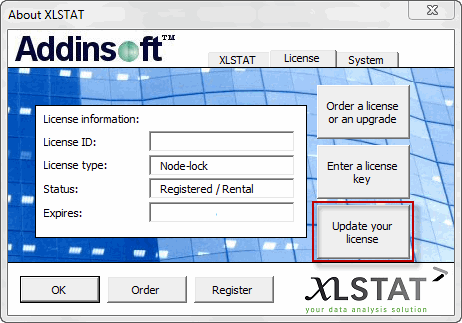
In most of the cases, your XLSTAT license will be automatically updated.
If XLSTAT is not able to retrieve automatically your license key, a dialog box asking you to enter your license key will pop-up.
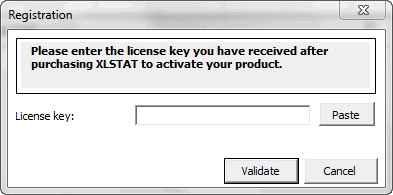
Enter your license key and press Validate. The license is updated.
When firewalls are blocking your Internet connexion or when you do not have access to the Internet, you should use a manual updating of your license key.
Manually updating your license key
If the automatic process did not succeed. Please follow the manual process.
You should proceed as follows:
- Deactivate your license key. See here for a detailed tutorial.
Was this article useful?
- Yes
- No
