 Help Center
Changing language settings
Procedure to change the language settings of XLSTAT
If you want to change the language settings of XLSTAT, select the Options command in the XLSTAT menu, or click on the  button of the XLSTAT toolbar.
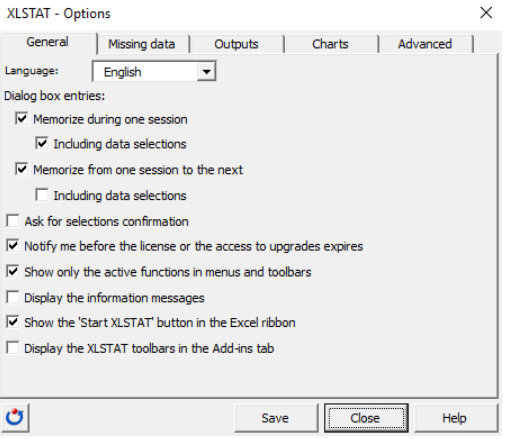
Select the language you want to use (here French).
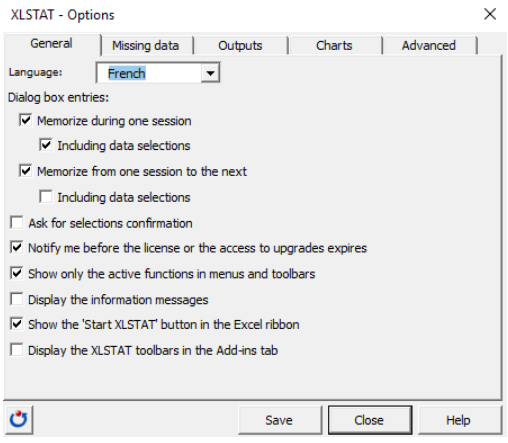
Then click on Save so that XLSTAT changes the language.
The following video shows you how to do it.
Was this article useful?
- Yes
- No
