 Help Center
Memorizing data coordinates in the dialog box
This tutorial shows how to Edit Memorizing data coordinates in the dialog box.
If you find that you are often using the same XLSTAT functionalities on data sets with identical characteristics (sheet name, number of rows, number of columns), you can facilitate your task by using XLSTAT's memorization options.
To access these options, select the Options command in the XLSTAT menu, or click on the  button of the XLSTAT toolbar.
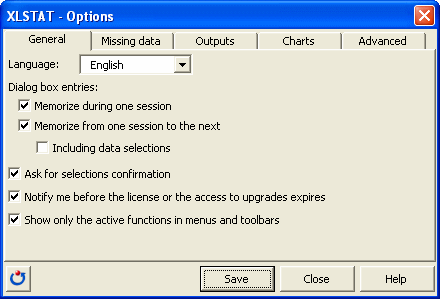
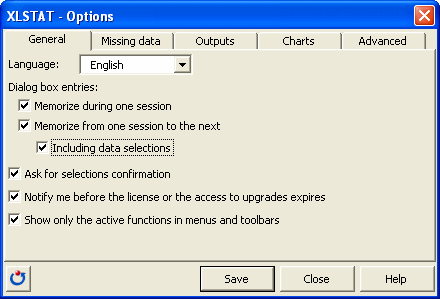
Check the option Including data selections. This will enable you to save the data selections defined in each dialog box.
Watch this video to see how simple it is to repeat an analysis on another data set for routine analysis.
Was this article useful?
- Yes
- No
