 Help Center
Quickly relaunch recently used functions (history)
XLSTAT stores the 10 most recent functions you’ve used under the Recent menu, allowing you to quickly access your feature history.
Using the Recent menu
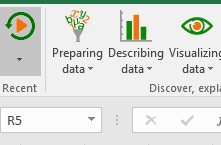
As soon as you've used any XLSTAT function, the Recent menu appears on the left-end of the XLSTAT ribbon:
 After clicking on the Recent button, the 10 most recently used functions appears:
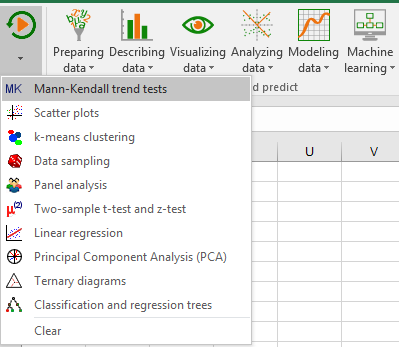
You can now select the appropriate function in order to configure and launch your analysis.
To reset the list, you simply need to click on Clear at the end of the list.
Was this article useful?
- Yes
- No
