 Help Center
Exporting outputs to MS Word or MS PowerPoint
This tutorial will show you how to quickly export your XLSTAT tables and charts to Word or PowerPoint.
To access this option, click on the Options button in the XLSTAT menu.
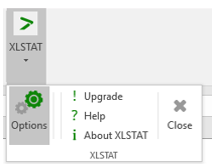 The XLSTAT-Options dialog box appears:
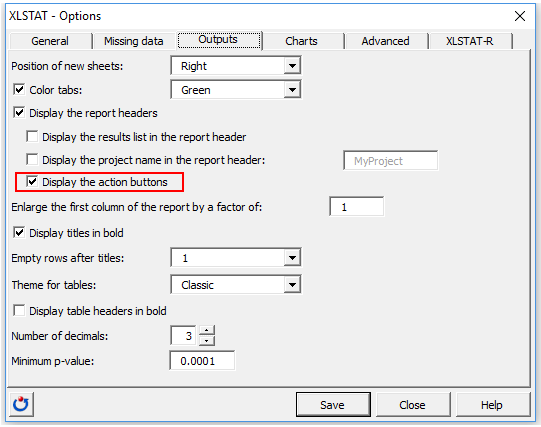
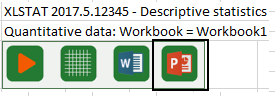
Go to the Outputs tab and activate the option Display the actions buttons. You can now run your analysis with XLSTAT. The action buttons will appear in the report header of the output sheet.
To export to Word, click on the button with the Word icon as shown below.
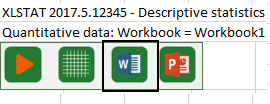 A new window appears:
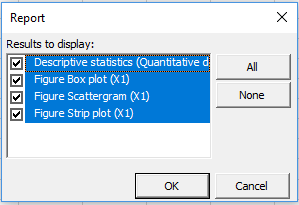 Select the results you want to export and click OK.
A Word document will automatically open with tables copied in the source formatting and graphs copied as pictures.
Proceed similarly using the button indicated below for an exportation to PowerPoint.
 Note: This tool is only available for Windows.
Was this article useful?
- Yes
- No
